How to Make a Children's Book From Your Own Story Idea
Have a story for your child in mind? Canva, StoryJumper, Book Creator and Storywish compared, from writing every word yourself to telling it out loud.
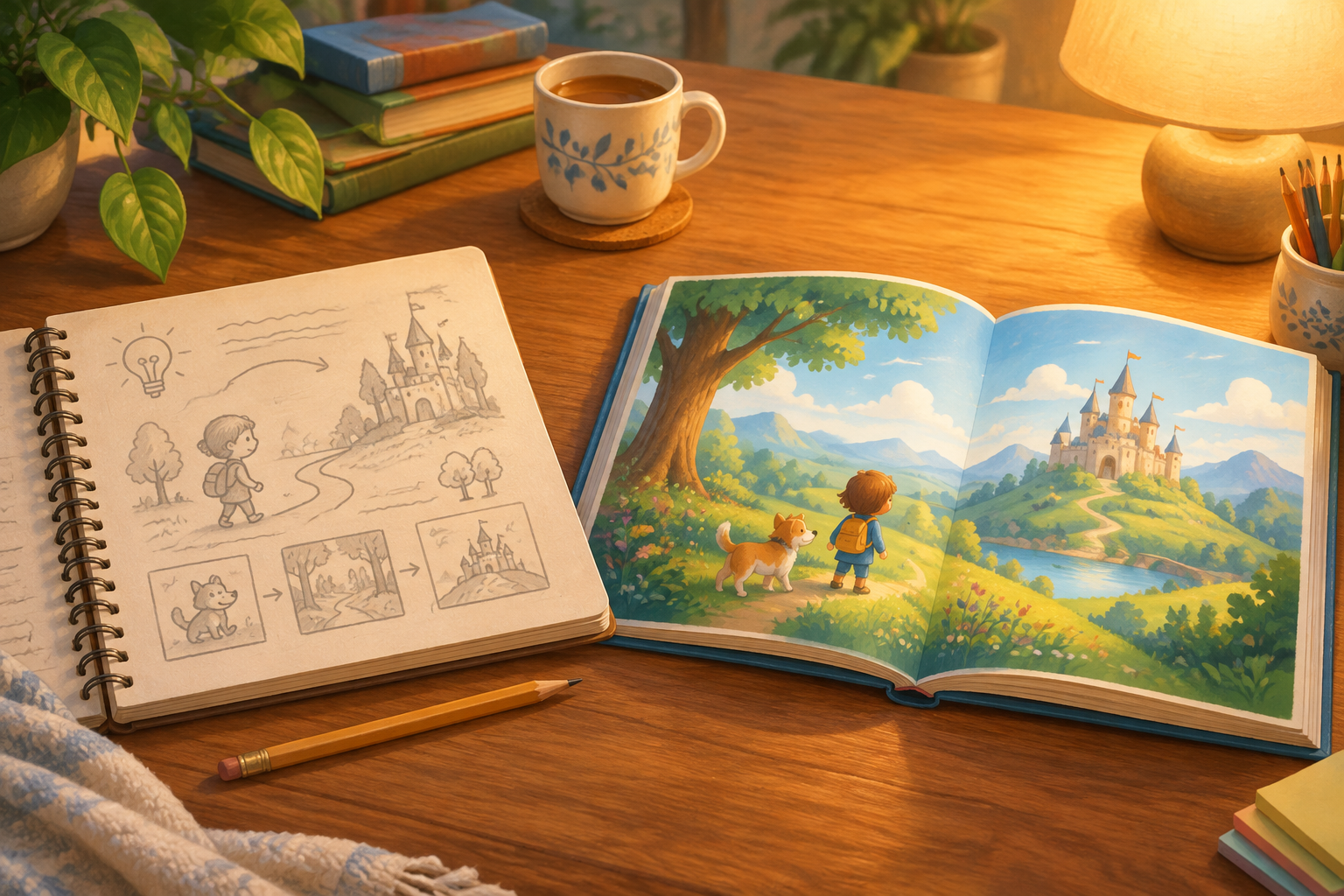
You have a story in your head, maybe the night the power went out or the dragon your daughter swears lives in the garage, and you want it as a real picture book. Here are the ways parents do it, from writing every word yourself to telling it out loud and getting a finished book back. We make Storywish, the last option below, so read this with that in mind. Everything about the other tools comes from their own websites, checked on October 30, 2026.
First, decide how much you want to make yourself
Two jobs take the time: writing the words, and drawing your child so they look the same on every page. Each tool below splits that work differently.
Canva: design every page yourself
Canva is a general design tool with a large library of book templates. You write the story (its Magic Write assistant can help, with 25 free uses and more on Canva Pro) and make or place every picture yourself. Its AI image generator starts from a text prompt or a reference photo. Canva has no character builder, so keeping your child looking the same from page to page is up to you. When you're done, download a PDF to print at home, or order one of Canva's own prints: a photo book starts at $19.50 for an 8 x 6 inch softcover, and a stapled booklet at $16.50.
Good for: parents who enjoy design and want control of every page.
StoryJumper: write it, then build the pages
StoryJumper is made for students, parents and teachers who want to publish their own storybook. You write the text, then build each page from its props and scenes, your own photos, characters you make to look like your family, or its AI pictures. Making the book online is free. A hardcover (11.5 x 8.5 inches, up to 16 pages) is $27.99, a paperback (8 x 6 inches) is $14.99, and a PDF is $2.99.
Good for: writing every word yourself, with your child beside you, and getting a printed book at the end.
Book Creator: a classroom tool
Book Creator is built for classrooms. Teachers can use the free Starter plan for up to 40 books, and students write and illustrate their own. There's no print service, so you'd download a PDF and print it yourself.
Good for: teachers and school projects.
Storywish: tell it your idea, get a finished book
On Storywish (storywish.ai) you tell the story in your own words, typed or out loud. It can be a whole plot or one moment from your family's week. Your characters come from a photo or a few words, so your child, the grown-ups and the dog look like themselves on every page, in one of six art styles. Storywish lays your idea out as eight page lines, and you can change any line before the book is made. Then it writes the words and draws a picture for every page, usually in a few minutes. Afterward you can change any page by saying or typing what you want.
What to know first: Storywish uses AI to write the final words, so it won't keep your sentences exactly as you said them, and a longer story is fitted to eight pages. If you want every word to be exactly yours, Canva or StoryJumper will suit you better.
Your first 2 stories are free. A printed book is $25 on any plan, an 8.5 x 8.5 inch softcover with free standard shipping to US addresses. See how the story conversation works.
Good for: parents who have the idea and want the book, without designing the pages.
Quick picks
- Every word and every picture made by you: Canva.
- Every word yours, pictures from a library, a printed hardcover: StoryJumper.
- A class project: Book Creator.
- Your idea and your family's faces, in a finished book within minutes: Storywish.
Want to make your own personalized AI children's story? Try Storywish free.
Make it a story
Related posts

The Magic of a Snowman Bedtime Story
September 10, 2026 · Read an original snowman bedtime story about choosing a name. Find winter plot ideas, simple ways to personalize the tale, and a prompt for a keepsake book.
Unicorn Bedtime Story: Lumina and the Sunset Ribbon
September 09, 2026 · Read a gentle unicorn tale about a magical sunset ribbon. Explore five story prompts, simple adaptations, and ideas for a personalized illustrated story.
Whale Bedtime Story: Nori and the Returning Note
September 09, 2026 · Read an original whale bedtime story about an echo in a quiet bay. Explore ocean plot ideas, a simple whale fact, and a prompt for your own illustrated tale.
Tooth Fairy Bedtime Story: A Magical Guide for Parents
September 07, 2026 · Read a gentle tooth fairy story about a tiny letter. Adapt the tradition for your family, explore story ideas, or create a personalized milestone keepsake.